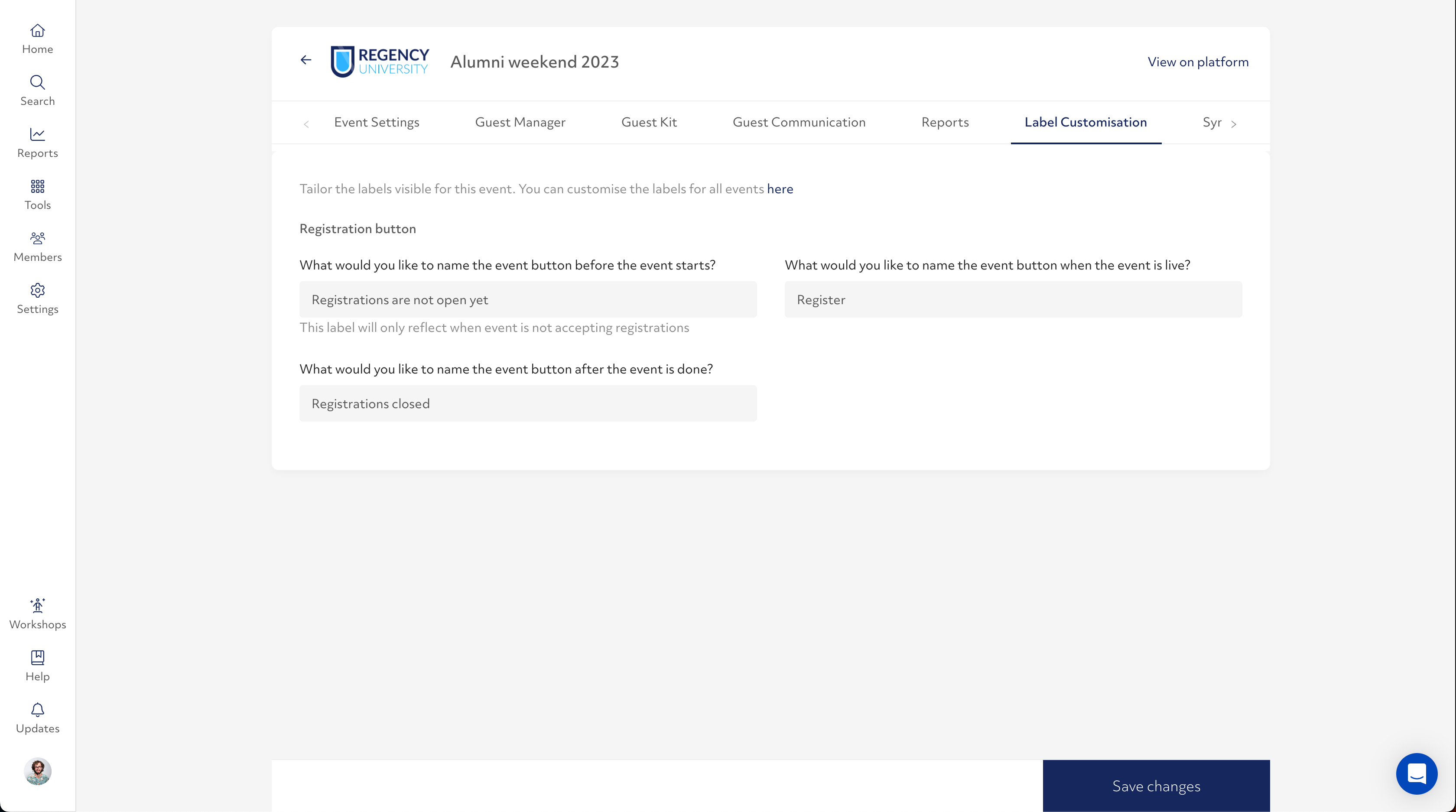
The 'Register' button on events can now be customized to suit the event you are hosting, or better reflect ticket availability.
By default, When the event is accepting registrations, the button will say 'Register'.
When the event has been completed, the button will say 'Registration closed'.
You can now also customize the text for an event that is upcoming, but you are not currently accepting registrations. This could be because registrations have not opened yet, or because tickets are sold out before the event.
You can now head over to 'Label customization' to make changes to all the different ways the 'Register' button is displayed to your community.